Testing & Verification
Gameplay Testing · Integration Testing · API Error Handling
📋 Table of Contents
🎮 Gameplay Testing
Level completion, character interactions, collision detection
Each level was play-tested end-to-end to verify: laser collision correctly reduces boss HP, player HP correctly depletes on contact and enemy laser hits, the lose screen appears and the level restarts when player HP hits 0, and the win condition advances to the next level (or shows the final win screen on Level 3).
Gameplay Testing Practice
Run these test cases to see how gameplay logic is verified — HP reduction, clamping to 0, defeat flag, and lose/win conditions.
🔗 Integration Testing
Leaderboard API — successful score saving and AI responses
// Integration test — verified in browser with Network tab open
// 1. Win Level 3 → postScore() fires → Network tab shows POST /api/leaderboard
// 2. Response status: 200 OK
// 3. Response body: { id: 42, player: "IshanJha", score: 300, date: "2026-03-23" }
// 4. getLeaderboard() → GET /api/leaderboard → array of score objects returned
// 5. JSON.parse verified — object destructuring logs each entry correctly
Integration Testing Practice
Run this to simulate a full leaderboard integration test — POST scores, then GET and sort them. Try adding more players.
⚠️ API Error Handling
try/catch blocks for fetch failures
// Tested by temporarily pointing pythonURI to a bad endpoint
try {
  const response = await fetch(badUrl, fetchOptions);
  if (!response.ok) throw new Error(`HTTP ${response.status}`);
  const data = await response.json();
  return data;
} catch (error) {
  // Game continues running — leaderboard failure is non-fatal
  console.error(`[API] Request failed: ${error.message}`);
  return null;
}Code Runner Challenge
Practice async/await and JSON parsing using the iTunes Search API. Edit the search term and run it to see the track data returned.
🕹️ Other Game Examples & Rubric Connections
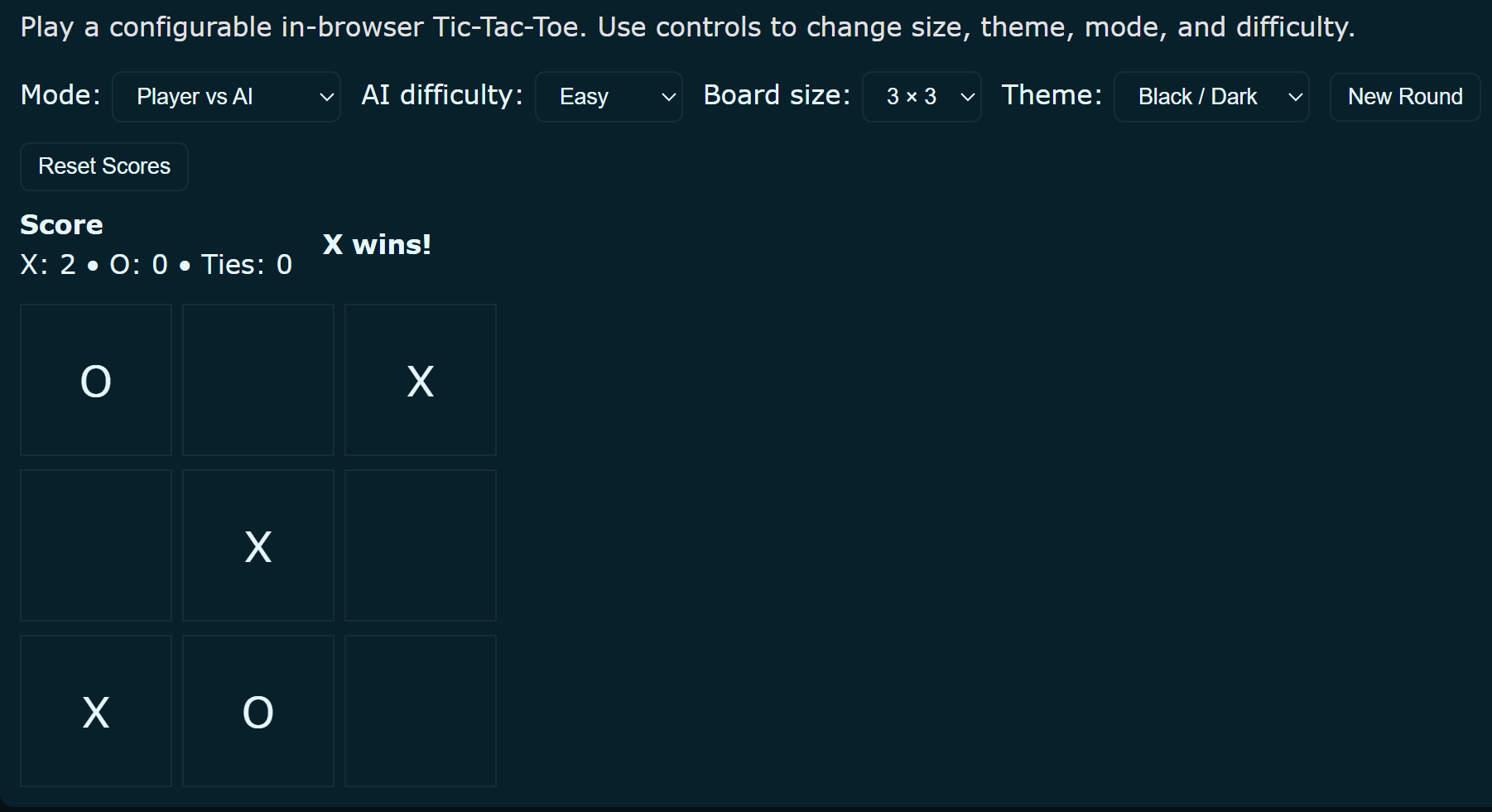
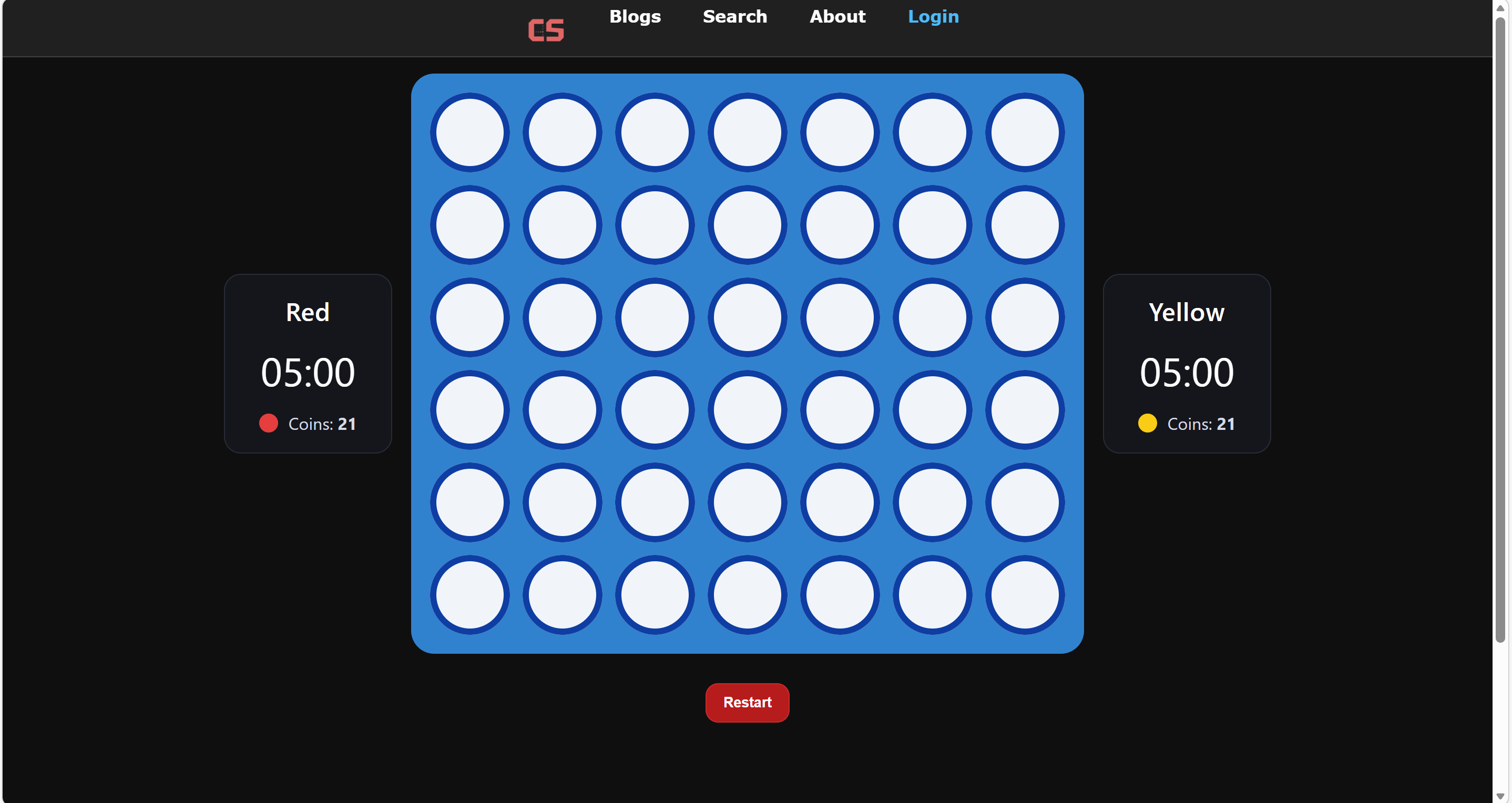
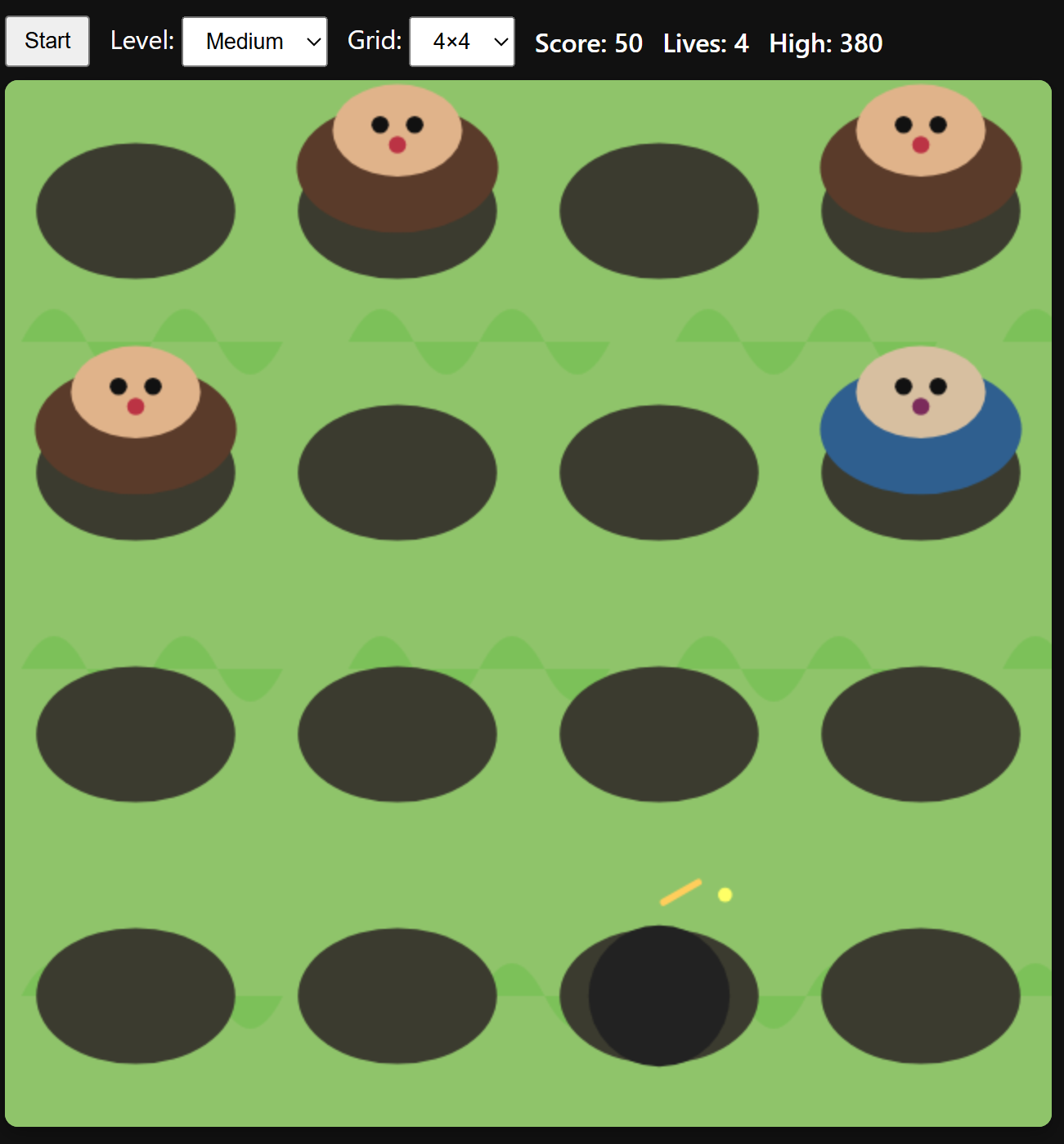
In addition to Peppa Pig Fight Club, I built other games that reinforce the same college-ready concepts in different ways. These projects help show that the rubric skills in this blog were not used only once — I also applied OOP, methods, arrays, conditionals, input/output, and game-state logic in Tic-Tac-Toe, Connect 4, and Whack-a-Mole.
Tic-Tac-Toe — OOP Structure and Game Orchestration
My Tic-Tac-Toe lesson is a clean example of object-oriented design. It separates responsibility into a Player class, a Board class, and a TicTacToe controller class. That structure directly supports the rubric requirement for custom classes and methods because each class has a distinct job: player identity, board state, and overall game flow.
class Player:
    def __init__(self, name, symbol):
        self.name = name
        self.symbol = symbol

class Board:
    def __init__(self):
        self.grid = [" "] * 9

    def make_move(self, position, symbol):
        index = position - 1
        if index < 0 or index > 8:
            return False
        if self.grid[index] != " ":
            return False
        self.grid[index] = symbol
        return True

    def check_winner(self, symbol):
        win_combinations = [
            [0,1,2], [3,4,5], [6,7,8],
            [0,3,6], [1,4,7], [2,5,8],
            [0,4,8], [2,4,6]
        ]
        for combo in win_combinations:
            if (self.grid[combo[0]] == symbol and
                self.grid[combo[1]] == symbol and
                self.grid[combo[2]] == symbol):
                return True
        return False

class TicTacToe:
    def __init__(self, player1, player2):
        self.board = Board()
        self.players = [player1, player2]
self.current_player = player1make_move() and check_winner() methods are especially useful as examples of return values, conditionals, and iteration through game-state data.
Connect 4 — Multiple Classes, UI Management, and DOM-Based Input/Output
My Connect 4 project is another strong OOP example because it uses multiple JavaScript classes working together: Player, GameBoard, GameTimer, GameUI, and Connect4Game. This shows deeper class-based design and supports the rubric categories for arrays, methods, user input, UI output, timers, and conditional game-state logic.
class Player {
  constructor(name, color, isRobot = false) {
    this.name = name;
    this.color = color;
    this.time = 300;
    this.coins = 21;
    this.isRobot = !!isRobot;
  }

  usesCoin() {
    if (this.coins > 0) {
      this.coins--;
      return true;
    }
    return false;
  }
}

class GameBoard {
  constructor(rows = 6, cols = 7) {
    this.rows = rows;
    this.cols = cols;
    this.grid = [];
    this.initialize();
  }

  initialize() {
    this.grid = Array.from({length: this.rows}, () => Array(this.cols).fill(null));
  }

  isValidColumn(col) {
    return col >= 0 && col < this.cols && this.grid[0][col] === null;
  }

  checkWin(row, col) {
    const color = this.grid[row][col];
    if (!color) return false;
    // checks vertical, horizontal, and diagonal directions
    return true;
  }
}

class Connect4Game {
  constructor() {
    this.board = new GameBoard(6, 7);
    this.redPlayer = new Player('Red', 'red');
    this.yellowPlayer = new Player('Yellow', 'yellow');
  }
}Whack-a-Mole — Inheritance, Canvas Rendering, Audio, and Stored Game Data
My Whack-a-Mole game is especially useful for the rubric because it demonstrates inheritance in a different way than Peppa Pig Fight Club. The base Entity class is extended by Mole and Bomb, while the Game class manages canvas rendering, input handling, scorekeeping, difficulty settings, and browser storage for high scores.
class Entity {
  constructor(hole, lifetime = 1400) {
    this.hole = hole;
    this.life = lifetime;
    this.spawnTime = Date.now();
    this.active = true;
  }

  update(dt, game) {
    if (!this.active) return;
    if (Date.now() - this.spawnTime > this.life) this.expire(game);
  }

  onHit(game) {
    this.expire(game);
  }
}

class Mole extends Entity {
  constructor(hole, type = 'brown') {
    super(hole, 1200);
    this.type = type;
    this.points = (type === 'blue' ? 50 : 10);
  }

  onHit(game) {
    game.addScore(this.points);
    if (this.type === 'blue') game.speedUp();
    super.onHit(game);
  }
}

class Bomb extends Entity {
  constructor(hole) {
    super(hole, 1200);
  }

  onHit(game) {
    super.onHit(game);
    game.lives -= 2;
    if (game.lives <= 0) game.end();
  }
}super(), canvas output, animation/game loops, browser input, and persistent data using localStorage. It also shows that I used object-oriented programming in multiple independent projects, not only in this final game.
📚 Homework Assignments
All homework assignments have been integrated into their relevant sections above, where they directly demonstrate the concepts discussed. Each homework link appears in the section it best exemplifies, with explanations of how it relates to the main topics.
For a complete list of all assignments, see the individual section homework links throughout this blog.